Photo Book Layout Templates: Design Like a Pro Today
Key Takeaways
- Photo book layout templates simplify design so you can focus on storytelling, pacing, and image quality;
- Match templates to your story, format, and photo mix; lean on proven layouts like full-bleed, grids, timelines, and collage spreads;
- Keep design polished with consistent margins, typography, color harmony, and high resolution images;
- Start with templates from trusted editors like Canva, Mixbook, Shutterfly, and Redokun, then turn your hero shots into peel and stick Mixtiles wall art.
Photo book layout templates take the guesswork out of design, helping you tell a clear, compelling story without starting from scratch. Whether you are capturing a wedding, year in review, or travel adventure, the right template ensures every spread feels intentional. In this guide, you will see the essential layout types, how to pick the best template for your photos, and pro tips for a polished book design. Then you can bring your favorite images off the page and onto your walls with Mixtiles.
Bring your best moments to your walls.Open the Mixtiles app or start on the web to create peel and stick, repositionable photo tiles in minutes.
What are photo book layout templates and why do they matter?
Photo book layout templates are predesigned page arrangements that guide where photos, captions, and titles go. They act like a blueprint for your photo books or a photo album template, so you can create faster and save effort while keeping a consistent look. Good templates shape your story: they set spacing, white space, and hierarchy, which improves readability and print quality. You can choose simple grids for family albums, magazine style layouts for portfolios, or black and white minimalist pages for a modern look. Most editors provide free and paid book templates that are print ready, so what you see is what you get when you order.
How do you pick the right photo book layout templates for your story?
Start by defining the story you want to tell, then choose a template that fits your format, your mix of images, and your style. This keeps the design cohesive from cover to final spread.
Start with your story arc
Decide what you are making: a wedding photo book, a baby photo book, a travel photo book, a family yearbook, or a photography portfolio. For weddings, a classic sequence works: getting ready, ceremony, portraits, reception. For travel photo stories, group pages by city or theme. For baby photo books, a monthly milestone arc reads beautifully. If you love variety, go thematic: color, people, places, details. Your story choice will narrow the best photobook layout.
Want a deeper walkthrough on sequencing and style? See our guide to wedding photo books, and if you are planning a trip album, learn how to make a travel photo book before you start designing.
Match format and size
Your format, square, landscape, or portrait, influences crops, full bleed options, and how panoramas span across a spread. Use larger books when you want impact shots and space for captions. Smaller sizes feel intimate and are budget friendly. The table below compares common formats with suggested uses.
Common photo book formats and ideal uses
|
Format |
Typical Size (in) |
Typical Size (cm) |
Best For |
|---|---|---|---|
|
Square |
8 × 8 or 12 × 12 |
20 × 20 or 30 × 30 |
Balanced grids, Instagram photos, modern design templates. |
|
Landscape |
11 × 8.5 or 14 × 10 |
28 × 22 or 36 × 25 |
Travel panoramas, full width vistas, magazine style spreads. |
|
Portrait |
8.5 × 11 or 9 × 12 |
22 × 28 or 23 × 30 |
Wedding photobook sequences, text heavy pages, programs. |
|
Mini |
6 × 6 |
15 × 15 |
Gifts, quick family highlights, budget friendly photo book templates. |
Consider your photo mix
Open your photo collection and count verticals versus horizontals. If you have many portrait shots, portrait or square book design works well. For landscapes and wide travel images, choose a landscape template that supports full width frames. If you have lots of detail photos, pick an album template with collage options and clear captions.
Choose a style that fits your vibe
Minimalist pages keep the focus on images. Magazine layouts feel editorial with bold typography. Scrapbook styles add stickers and illustrations. Black and white pages feel timeless. When relevant, add short captions, quotes, or maps. If you need captions and indexing, check that the book templates you pick support text blocks at a readable size.
Which classic photo book layouts work best for different pages?
A few reliable layouts cover almost every need. Mix them to control pacing: a hero image followed by a calm grid makes your story breathe. For inspiration beyond the classics, explore these creative photo book ideas.
Full bleed hero
Use a single photo across the page or spread to open a chapter or mark a milestone. This layout is perfect for a wedding kiss, a sweeping travel vista, or a baby portrait. Use it sparingly for impact.
Clean grid spread
Balanced two, four, or six image grids tell a sequence. Keep gutters and margins consistent to avoid drift. Grids are ideal for family gatherings, recipe steps, or day in the life pages.
Photo and caption layout
Pair medium images with short notes. Great for travel itineraries, baby milestones, or a portfolio page where process or camera settings matter. Keep captions concise and set in a readable size.
Diptych or triptych
Place two or three related photos side by side. Contrast wide shots with tight details, or show before and after moments. Align edges for a clean look.
Timeline or chronology
Run small images along a line with dates or times. Perfect for year in review albums, wedding day schedules, or a baby’s first year. Ensure labels are consistent and easy to scan.
Collage with white space
Mix image sizes and keep generous margins. Anchor with one dominant image and arrange supporting shots around it. This feels dynamic without clutter.
How many photos per page is actually ideal?
Fewer images per page increase impact. More images increase information. Choose based on your goal and the complexity of your photos.
Rules of thumb by intent
Use these quick guidelines to set pacing without second guessing:
- Impact pages: 1 image, full bleed or with generous margins;
- Story pages: 3 to 6 images in a tidy grid with even spacing;
- Highlight reels: 7 to 12 small images only when subjects are simple and cohesive.
When to split across multiple spreads
If a moment contains many faces, signs, or textures, split it. Two calm spreads are easier to read than one crowded page. Give important people room, especially in wedding photo books and event albums where expressions matter. If you are curating a wedding album, this guide on how to choose photos for a wedding album can help you edit before you design.
Have a photo that deserves center stage? Print it as a set of Mixtiles and build a photo gallery wall you can rearrange anytime. No nails. No damage.
What design choices make templates look polished and professional?
Consistency is the secret. Align spacing, type, and tones so the layout feels intentional rather than accidental.
Establish visual hierarchy
Set one focal point per spread. Use scale, placement, and contrast to guide the eye. Reserve the largest frame for your strongest image.
Keep margins, gutters, and spacing consistent
Rely on your template’s guides. Avoid crowding the edges. Align baselines for captions so text blocks feel steady across pages.
Color and tone harmony
Pick a palette from your photos and repeat it in titles or accents. Convert mismatched images to black and white if colors clash. This trick unifies a mixed photo album.
Typography that supports the story
Use one or two fonts. Set clear contrast between headlines and captions. For a modern portfolio, try a clean sans serif paired with a subtle serif for quotes.
Retouch and resolution checks
Aim for 300 DPI at print size. Batch correct exposure and white balance so images look cohesive. Soft proof dark scenes to avoid muddy prints.
Edit for pacing
Alternate hero images with quiet grids. Remove near duplicates. Keep each spread purposeful so viewers want to keep turning pages.
Where can you find great photo book layout templates today?
You can create quickly with consumer editors or explore designer grade options. Choose based on flexibility, learning curve, print quality, and pricing.
For quick, flexible creation
Canva offers a wide library of design templates by occasion and style, from wedding photobook themes to travel photo books. Drag and drop tools make it simple, and many photobook template options are free.
For curated, designer grade options
Redokun rounds up free and paid InDesign photobook layout and album template files. You will find modern, minimalist, and simple book templates suited for magazine or portfolio looks.
For print integrated templates
Mixbook and Shutterfly provide ready to print photo book templates with themes for family, wedding photo memories, or baby photo stories. You can start, design, and order in one place, then share or gift the finished album.
Choosing your platform
If you want full control and a magazine aesthetic, InDesign templates are powerful. If you prefer speed, consumer editors help you get polished pages fast. Look at available sizes, paper, cover options, and shipping to see total pricing before you start.
How do Mixtiles and photo books work together?
Photo books preserve the full story. Mixtiles bring your favorite photos into your home as art you can move and refresh.

From favorite spreads to statement walls
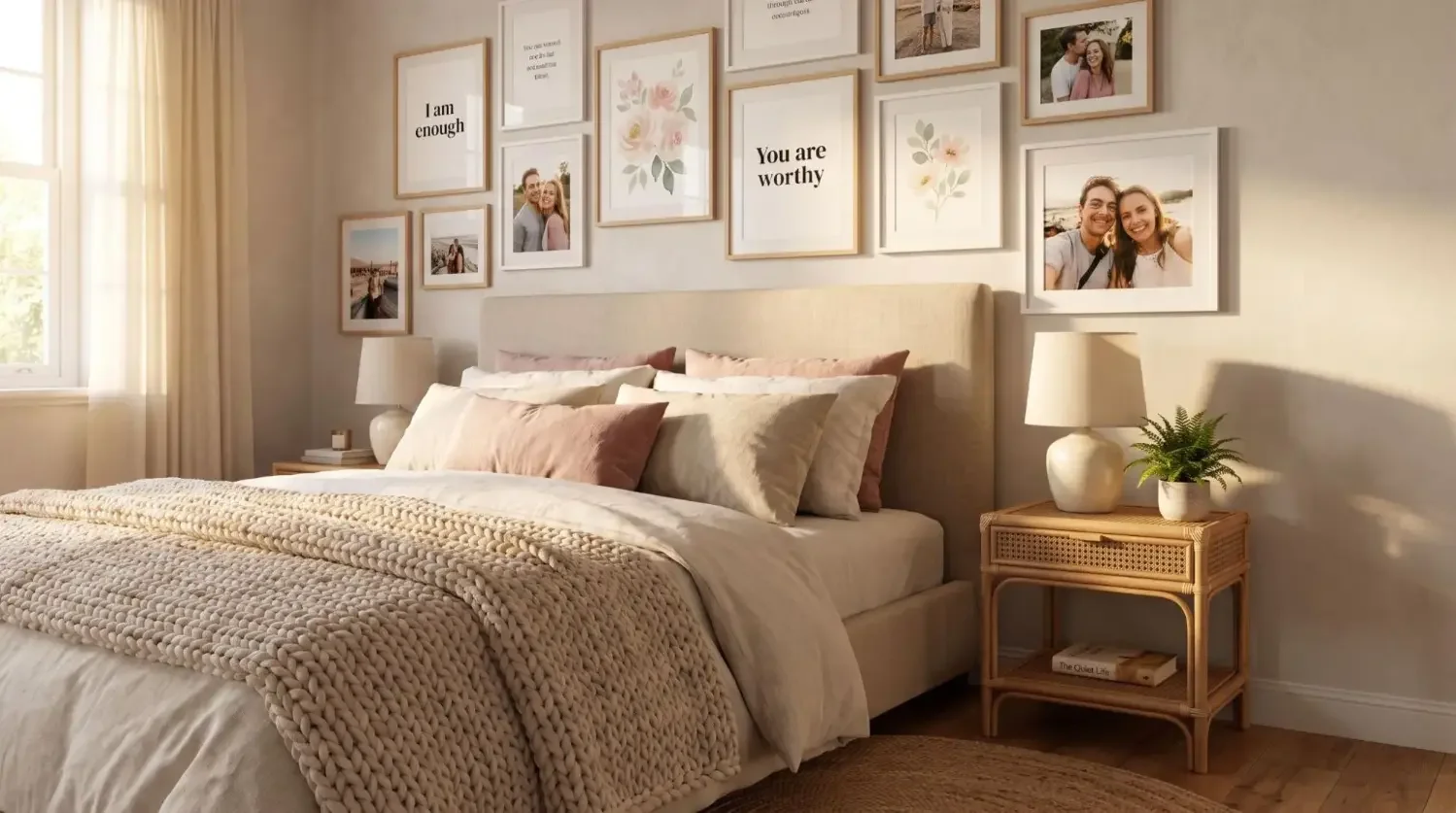
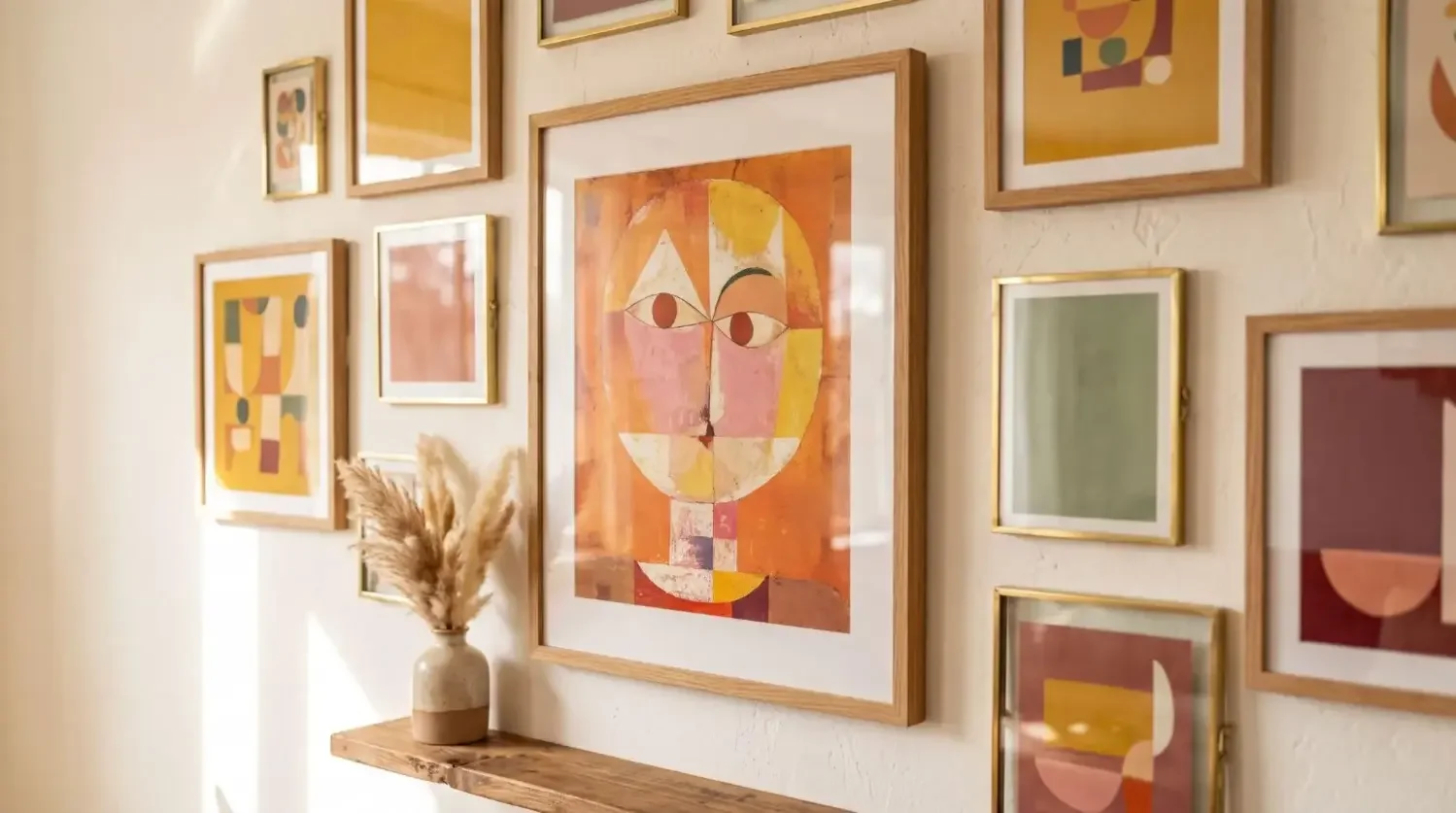
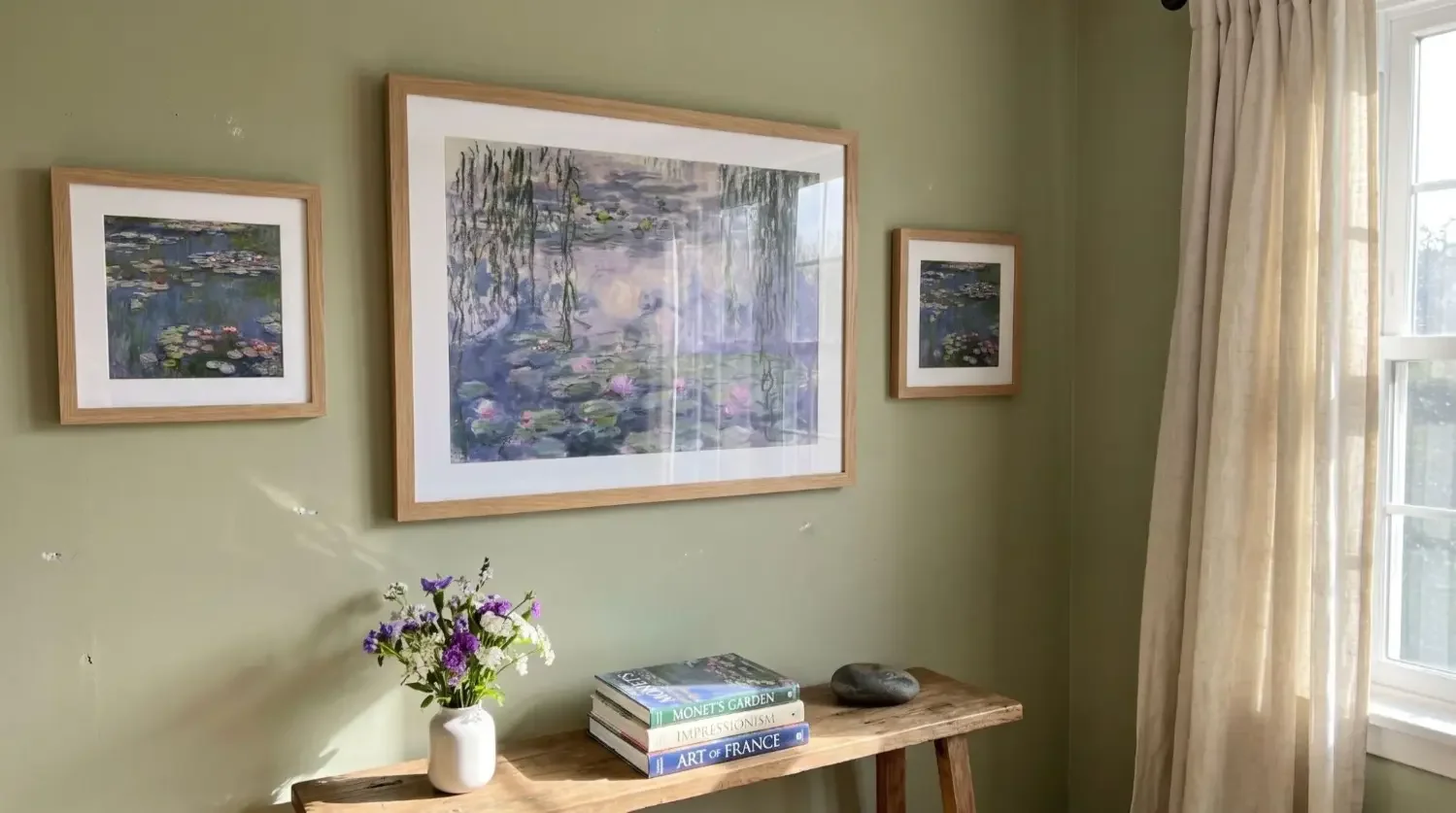
After you finish your album, pick 3 to 9 hero images. Create a linear row for a travel chapter, a 3 by 3 grid for baby milestones, or a staggered column for wedding portraits. Your wall becomes a living extension of your photo book.

Why Mixtiles after a photo book?
Mixtiles make decorating simple and renter friendly:
- Peel and stick, repositionable frames that remove cleanly;
- Lightweight tiles, no tools needed and no wall damage;
- Fast ordering via app or web with helpful support if you need help.

Layout ideas for your wall
Try a landscape row over a sofa to echo a travel spread. Stack three tiles vertically in a hallway for a clean portfolio look. Build a gallery in a reading nook that pairs black and white portraits with a typographic Wall Sign. You can mix sizes and products, including stylish canvas prints and Gallery Wall Kits, to match your space.
Choosing the right photo book layout templates helps you tell a stronger visual story with less effort. Clarify your narrative, pick a template that suits your format and photo mix, and rely on classic layouts like full bleed, grids, and timelines to guide the reader. Keep spacing, type, and tone consistent for a professional book design. Then bring your absolute favorites off the page with Mixtiles so your memories can live beautifully in an album and on your walls.
Ready to turn your photos into art? Design your wall in minutes. Open the Mixtiles app or start on the web to create beautiful canvas prints from your favorite shots.
Frequently Asked Questions
Which software is best for designing photo book layouts?
For speed, Popsa and Journi auto-arrange clean spreads fast. For flexible drag and drop with many templates, Canva is great. If you want print integrated editors, try Mixbook or Shutterfly. For full control and magazine polish, use Adobe InDesign with professional templates.
What are the most common photo book layout mistakes?
Overcrowding pages, inconsistent margins or gutters, low resolution images, clashing colors, and too many fonts hurt readability. Ignoring bleed and the spine can crop faces. Captions set too small or inconsistent image editing also make polished templates look amateur.
How do I lay out a photo book effectively?
Define your story arc, then pick a size and orientation that suits your photos. Curate images, group by chapter, and choose a cohesive template set. Mix hero spreads with tidy grids, keep spacing consistent, write short captions, and proof for bleed, color, and resolution.
What format or size works best for most photo books?
Choose format by subject. Portrait 8 x 12 inches, about 21 x 30 cm, feels classic for family or milestones. Landscape 11 x 8.5 inches suits travel vistas. Square 10 x 10 or 12 x 12 balances grids well. Mini 6 x 6 makes great gifts.
How many photos should go on each page?
Use one photo for impact, especially opening or chapter pages. For storytelling, place three to six images in a clean grid. Reserve seven to twelve small photos for simple, related subjects. When crowded, split the moment across multiple spreads.
Where can I get ready-made photo book templates?
Try Canva for quick, stylish templates. Mixbook and Shutterfly offer themes that are ready to print. Designers can source InDesign layouts from Redokun. Always check supported sizes, bleed, and paper options before you start, so your pages print as intended.

Be the first to know — deals, news & decor ideas.
By clicking you agree to the Terms of Use & Privacy Policy